

License Activation
After the installer completes and you open the web UI for the first time, NQRust-MicroVM requires a license to be activated before you can use the platform. You will be redirected to the activation screen automatically.
Activation Methods
There are two ways to activate your license:
| Method | When to Use |
|---|---|
| License Key | Online environments with internet access |
| Offline File | Air-gapped or restricted networks |
Online — License Key
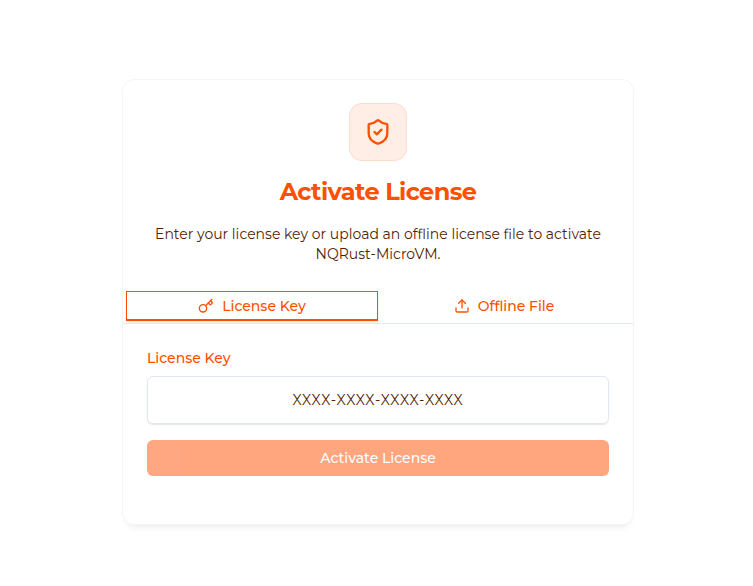
- Navigate to
http://<microvm-ip>:3000/setup/license(or wait for the automatic redirect on first login). - Make sure the License Key tab is selected.
- Enter your key in the format
XXXX-XXXX-XXXX-XXXX. - Click Activate License.
On success you will be redirected to the dashboard.
License keys are issued by Nexus Quantum Tech. Contact your account representative or check your purchase confirmation email.
Offline — License File
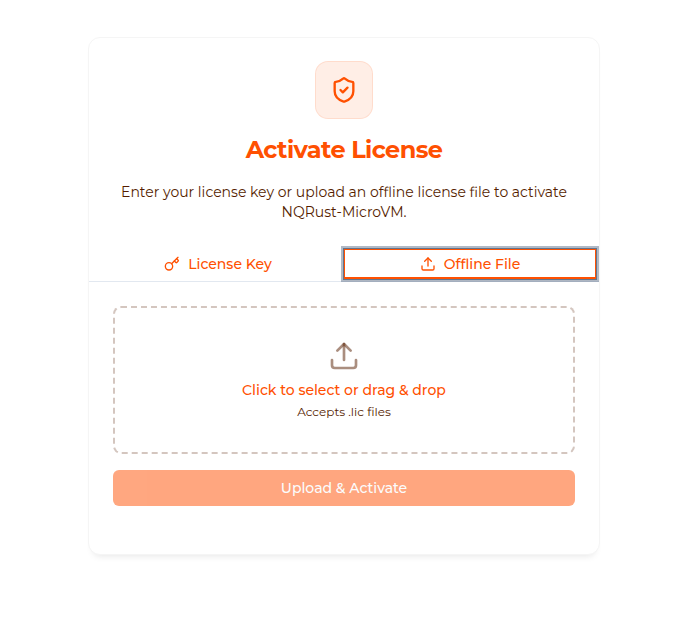
Use this method when your server has no outbound internet access (airgap install).
- Obtain a
.liclicense file from Nexus Quantum Tech. - Navigate to
http://<microvm-ip>:3000/setup/license. - Select the Offline File tab.
- Click the upload area or drag-and-drop your
.licfile. - Click Upload & Activate.
Offline license files are tied to the machine they were issued for. Do not copy .lic files between different hosts.
After Activation
Once activated, the license status is stored in the platform database. You will not need to re-activate after a normal restart. Re-activation is only required if:
- You migrate to a different server.
- Your license key expires or is revoked.
- You perform a full database reset.
Troubleshooting
| Problem | Solution |
|---|---|
| “Invalid license key” | Double-check for typos; keys are case-insensitive |
| “License already in use” | Contact Nexus Quantum Tech to transfer or reissue |
| Offline file rejected | Ensure the .lic file was generated for this exact host |
| Redirect loop after activation | Clear browser cache and reload |